Ink
Like a lot of developers lately, I have basically moved into my terminal. With Claude Code and other CLI based tools, a huge chunk of my day now happens inside various keyboard driven interfaces that live in shell windows. These tools do not feel like the terminal I grew up with. They have spinners, live updating panels, bordered boxes, color themes, and layouts that reflow when I resize the window. For a while I just assumed there was some gnarly, low level C wizardry powering all of it, the same kind of thing that makes htop or, btop (my personal favorite) feel so slick. Then one afternoon, while poking around to understand how Claude Code was built, I found out that the TUI (Terminal User Interface) was built with React and kind of broke my brain. Claude Code CLI is a React app. It is running in my terminal. The thing making that possible is a framework called Ink.
Ink is a React renderer for building command line interfaces. That is the whole pitch. Instead of React painting to the DOM in a browser, Ink takes your components and renders them as text in a terminal. You write the exact same kind of code you would write for a web app, with components, props, state, and hooks, and the output is a TUI (terminal user interface) instead of a web page. It was created by Vadim Demedes and has been around since 2017, so like React Native, this is not brand new cutting edge tech. It just quietly became the backbone of an enormous slice of the modern CLI ecosystem while most of us were not looking.
Once I knew what to look for, I started seeing Ink everywhere. Beyond the AI coding assistants, it is what powers Cloudflare's Wrangler, the Shopify CLI, Prisma, Gatsby, and Terraform's CDK, among dozens of other serious tools. There is a genuinely strong chance you have used something built with Ink this week without realizing it, which is the same thing I ended up writing about React Native a while back. There is a pattern here where React keeps quietly escaping the browser and showing up in places it has no business being, and honestly, it keeps working out.
The part that got me to actually try it was realizing how much of my normal React brain just transfers over. If you have written React for the web, you already know most of Ink. You have components, you compose them, you pass props down, you manage state with useState and useEffect, and you split things into files exactly the way you would in a Next.js project. The mental model is completely intact. The only real adjustment is the vocabulary of the primitive components you render, which I will get to, but the muscle memory of building a React UI is all still there.
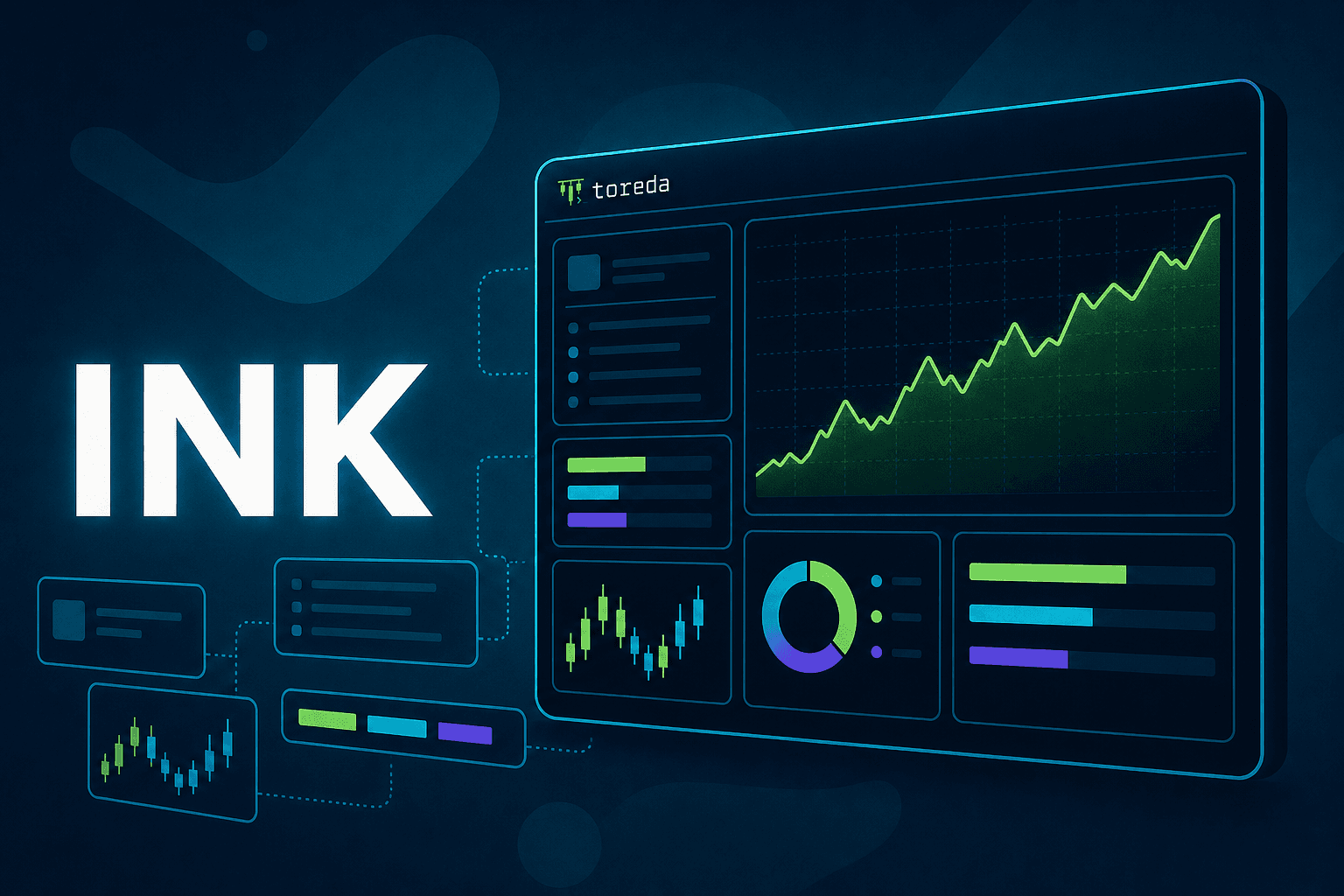
So, naturally, I built something with it. I made Toreda, a personal trading toolkit that lives entirely in the terminal. It connects to an Alpaca brokerage account and gives you a live dashboard of your positions, profit and loss, allocation, and equity curves, plus an opportunity scanner that ranks stocks on your watchlist by momentum, pullbacks, and sentiment. It also is built to integrate with Claude Code and includes shortcuts for Claude to provide analysis of scans, trends, and positions held. I deliberately did not build a trading bot. It does not trade while you sleep, you stay in charge of every decision, and Toreda just makes sure you are deciding with good information in front of you. It allows for paper trading, and arming real trades takes an intentional keystroke and a typed out ticker confirmation. That whole design philosophy of deliberate friction turned out to be a perfect fit for a keyboard driven TUI.
Building Toreda's interface is where the Ink syntax comes into focus, and it feels a little unfamiliar at first in the same way React Native does. There is no HTML here, obviously, because there is no browser. Instead of a div, you reach for Box. Instead of a p tag or a span, everything textual goes inside a Text component, and this is a hard rule; you cannot just drop a raw string into a Box, it has to be wrapped in Text or Ink will yell at you. Text is also where all your styling lives, so color, bold, italic, underline, and dimming are all props on that component. There are a few other primitives like Newline, Spacer, and Static for things like flexible spacing and rendering output that should scroll away above the live UI. It is a small vocabulary, and after an hour or two it stops feeling weird.
The genuinely clever part under the hood is the layout engine. Every Box in Ink is a flexbox container, and it is not a hand rolled approximation of flexbox, it is the real thing. Ink uses Yoga, the same Flexbox layout engine that powers React Native, to compute where everything goes. That means laying out a terminal dashboard uses the exact CSS properties I already have memorized. I set flexDirection, justifyContent, alignItems, gap, padding, and borderStyle on a Box and Ink figures out the rest, reflowing the whole layout when the terminal window changes size. Toreda's dashboard responds to width the same way a web app responds to a viewport, giving you a richer multi column layout on a wide terminal and gracefully collapsing on a narrow one. Building a responsive layout for a text grid using the same skills as building a responsive web page still feels a little like cheating.
Handling input is the other half, and Ink covers it with hooks that feel just as natural. The star is useInput, which fires a callback on every keypress and hands you the character along with a set of modifier flags for things like arrows, return, tab, and control combinations. All of Toreda's navigation runs through it, so the arrow keys move around, Tab switches sections, R kicks off a scan, T cycles through the color themes, and Shift+A is the deliberate keystroke that arms trading. There is a whole family of these hooks, like useApp for controlling exit, useStdout for terminal dimensions, and useFocus and useFocusManager for moving focus between elements the way you would tab through a form on the web. Wiring up a fully keyboard driven interface ends up being a handful of hooks and some state, which is a far cry from what I imagined terminal UI programming looked like.
Ink also handles the stuff that makes a TUI feel like a real application instead of a script printing lines. It can take over the full screen in an alternate buffer, the same trick vim and htop use so that quitting cleanly restores your shell exactly as it was. It manages frame rate and does incremental rendering to avoid the flickering you might expect from redrawing a terminal many times a second, and there is a rich little ecosystem of add on components like ink-spinner and various input widgets so you are not reinventing every control from scratch. On top of that there is even an ink-testing-library that mirrors React Testing Library, so you can assert against your terminal output in a test suite exactly like you would a component.
I am not sure anything will fully replace the feeling of a truly native, close to the metal terminal app written in something like Go or Rust. But the fact that I can build a legitimately nice, responsive, themed, keyboard driven trading dashboard using nothing but React components, flexbox, and a couple of hooks is really sweet. Ink took one of my favorite technologies and points it at a place I never expected. And every time I open Claude Code now, I get a quiet little kick out of knowing that the beautiful interface I am staring at is, underneath it all, just React.